One Big Text File, but not really
So I stumbled across this concept of One Big Text File (OBTF) last week: and I love the concept. I’ve been a user of plain-text notes (.md) since early 2024, mainly in Obsidian but also Notepad++, Notepad, VSC and WriteMonkey.
I won’t recount my whole journey here but I’ve ended up with individual week notes (with daily entries), month and six-month reviews, project notes and more ‘static’ notes across the many topics of life and work.
I like my system. And yet…
I can’t help myself, I enjoy tinkering! Something about OBTF resonated with me. I do find myself still opening Notepad and throwing text in there. Why not make that more intentional? After a week of reading around1 I wanted to make some structural changes in my setup. I’ve so far toyed with just one note, combinations of work and personal notes, and appending vs prepending. I love the concept proposed by Karpathy (see footnote) but when I tried it for work stuff I just … couldn’t.
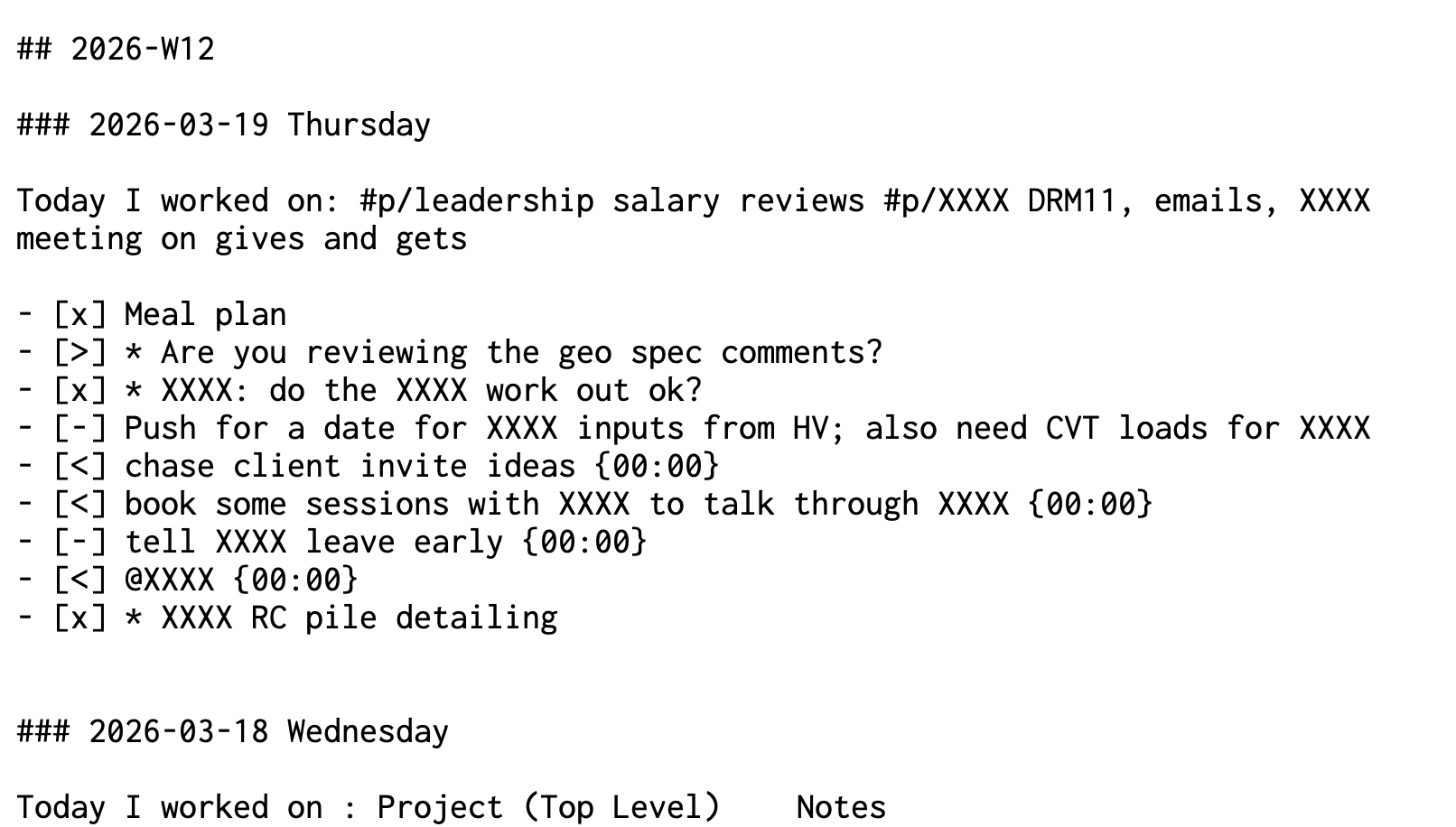
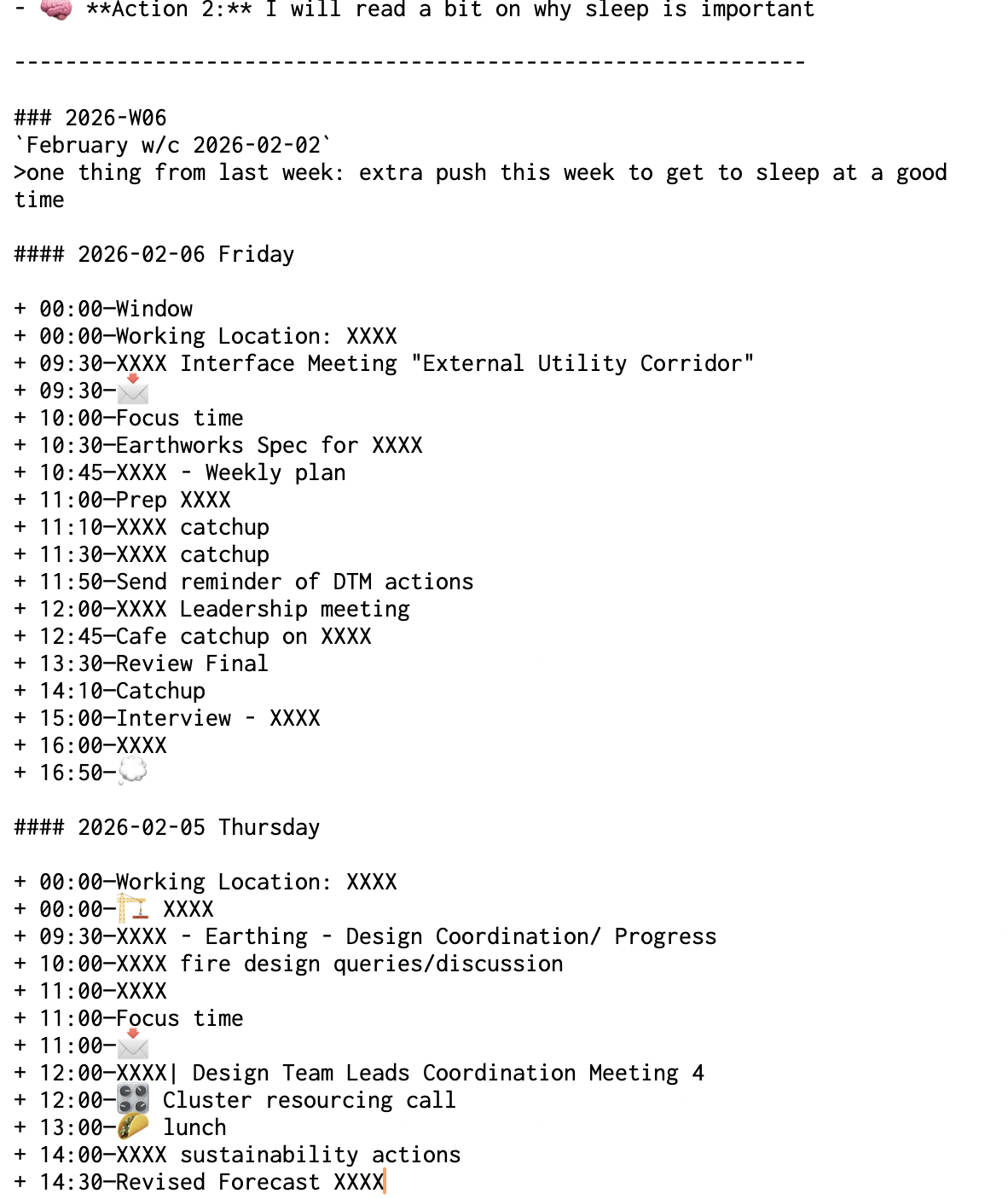
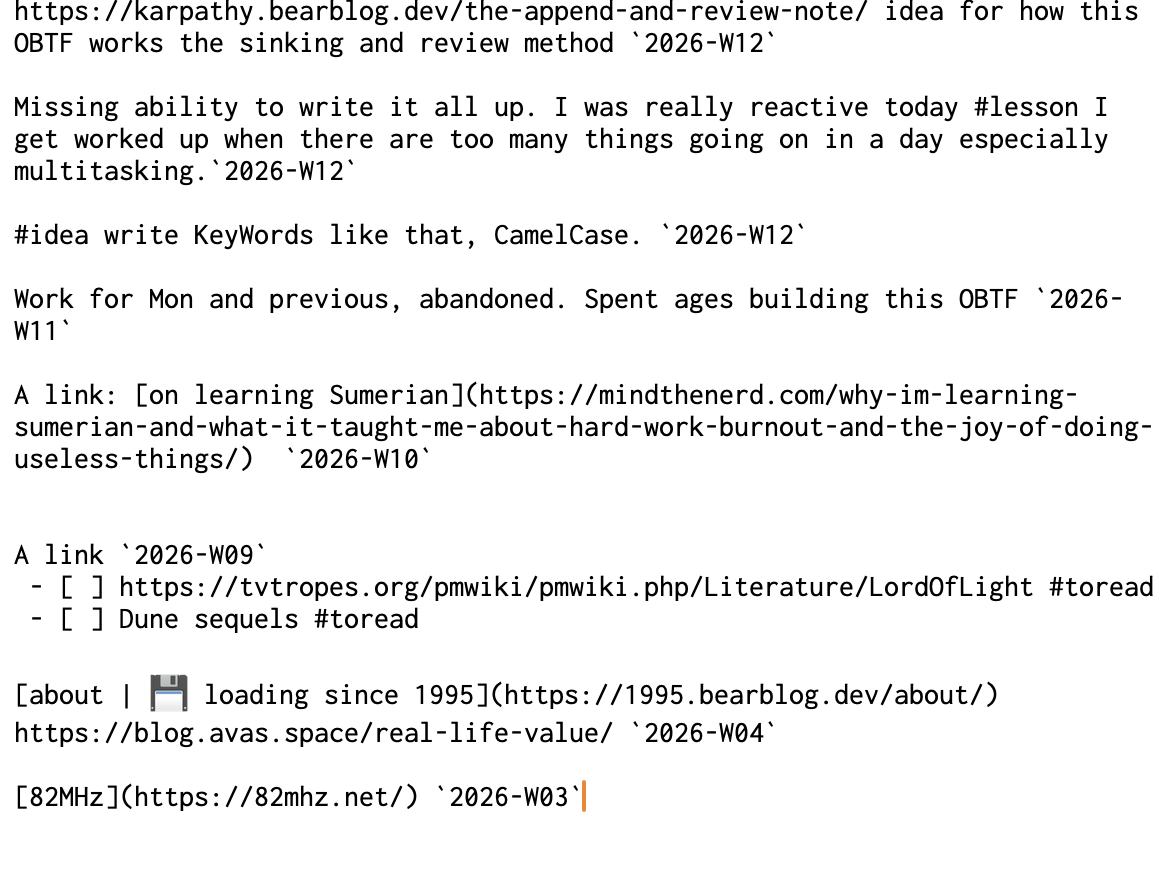
In the end, I’ve embraced some of the principles of OBTF but I’ve broken it out a bit to suit my way of working. I have a number of ‘components’ in my text (e.g. todos and agendas), which I’ve shuffled around and compiled into a OBTF-like files. The snippets below illustrate parts of my current setup: in TextEdit2 and redacted. I’m still working this out and so I holding onto it loosely.
TODO.mdTop half are prepended tasks, bottom half is where O track delegations. (I decided a while back I would pull these out of my todo list for my sanity.)PLANNER.mdMy log: where I put my week notes, my daily agenda, my monthly reviews and goals. Also has an index of life events and achievements.OBTF.mdThis is my work ‘throw it on a page’ note. Some persistent notes at the top but mainly ad-hoc notes at the bottom under a subheading by week number (append method).PERSONAL.mdLike the read-and-review note described by Karpathy (prepend method).STATIC_xxx.mdI am still figuring this one out. The above files are mostly ephemeral, either as logs or a scratch-pad. Where I want to record a longer note for a topic or group of topics, I will save it in an overarching ‘static’ note. E.g. I will have one for each of my main projects.
TODO:
PLANNER:
PERSONAL:
I still primarily use a notebook and pen through the day, to capture thoughts, ideas, meetings, and todos. At the end of each day I try to transfer some of the the major items into the files above. For tasks, I generally process them the next morning. I do feel tension between analogue and digital, but this seems to be a fact of life.
Find what works for you! And don’t be afraid to experiment or change it up. More thinking and resources can be found in the footnote links.
Some good reads: Karpathy’s append and review, Jeff Huang, ElleneW↩
This is to show the simple structure of it. Font choice is Inconsolata.↩